About
Key people
Contact
- +1 8008725384
History
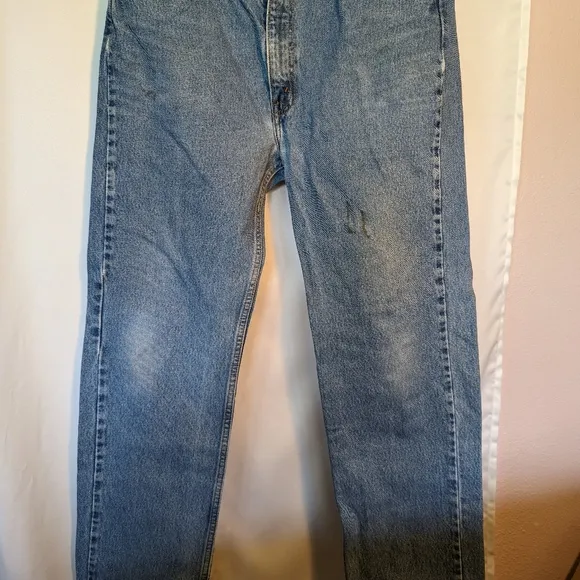
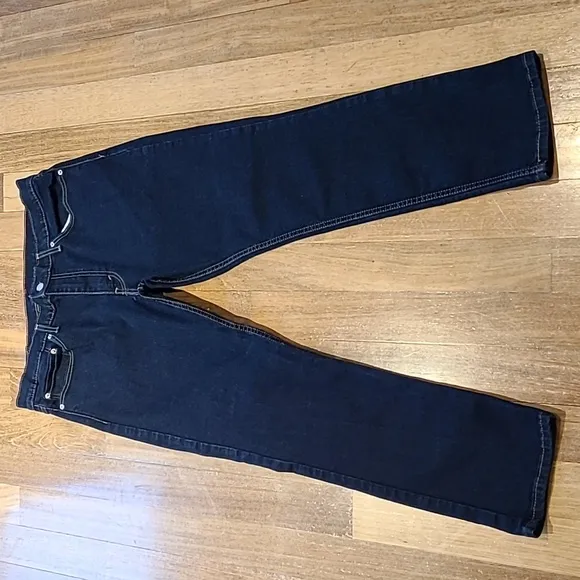
Vintage Levi's 550 Mens 36x32 Relaxed Fit Blue Distress Wash Classic Denim Jeans
Vintage Levi's 550 Men's 36x32 Relaxed Fit Blue Distress Wash Classic Denim JeansPre-Owned in excellent condition with minimal ware at pants hem as scene in photo's. These jeans are perfectly worn in with a nice whiskering effect!Measurements are as follows:Please see measurement photo's for additional measurement information and product condition!Waste: 36"Hips: 46"Rise: 12"Inseam Length: 32"Outside seam Length: 40"Leg Opening: 8.5"Domestic Returns Accepted - Shipped with USPS Mail.Condition is "Pre-Owned". Please see photos for further condition and sizing reference!
Help
- In the Listing templates section, select Create new template
- Once you've created a listing, select Save as template
- In the Actions column on your Seller Hub Listings page, select Save as template
You can update your buyer requirements to exclude certain buyers. For example, buyers living in a country you aren't willing to ship to.
Go to , choose the requirements you'd like to apply to your listings, and Submit.We're streamlining our listing tool to create a better experience for our sellers. While we've removed some features, we've added tools to make it quicker and easier for you to sell on eBay.
You can now manage photos directly on your listing page, track items by SKU (custom label), and add variations in one simple multi-quantity listing.
Simply select Add photos and choose the images you'd like to display.
If your photos are already hosted elsewhere, select Copy your photos from a web address and enter the URL. You can add up to 12 images to your listing for free.
We have a catalog of product details which includes item specifics and photos. Select this option to add these details to your item automatically.
If you'd rather add your own description, just uncheck the box.
Older listing templates are no longer compatible, but you can create new listing templates:
You can revise certain details depending on the listing format, the time remaining, and whether you've received any bids or purchases. However, in most cases you can't change the listing duration or format. Learn more about .
The business tool is more suitable for some members, so the Switch to quick listing tool option is not available to all sellers.
${res.content.global.inflow.inflowcomponent.needsomehelp}
${res.content.global.inflow.inflowcomponent.custHeading}
${res.content.global.inflow.inflowcomponent.faq}
-
You can update your buyer requirements to exclude certain buyers. For example, buyers living in a country you aren't willing to ship to.
Go to , choose the requirements you'd like to apply to your listings, and Submit. -
We're streamlining our listing tool to create a better experience for our sellers. While we've removed some features, we've added tools to make it quicker and easier for you to sell on eBay.
You can now manage photos directly on your listing page, track items by SKU (custom label), and add variations in one simple multi-quantity listing.
-
Simply select Add photos and choose the images you'd like to display.
If your photos are already hosted elsewhere, select Copy your photos from a web address and enter the URL. You can add up to 12 images to your listing for free.
-
We have a catalog of product details which includes item specifics and photos. Select this option to add these details to your item automatically.
If you'd rather add your own description, just uncheck the box.
-
Older listing templates are no longer compatible, but you can create new listing templates:
- In the Listing templates section, select Create new template
- Once you've created a listing, select Save as template
- In the Actions column on your Seller Hub Listings page, select Save as template
-
You can revise certain details depending on the listing format, the time remaining, and whether you've received any bids or purchases. However, in most cases you can't change the listing duration or format. Learn more about .
-
The business tool is more suitable for some members, so the Switch to quick listing tool option is not available to all sellers.
Contact us
${res.content.global.inflow.inflowcomponent.faq}
${res.content.global.inflow.inflowcomponent.technicalissues}
More like this
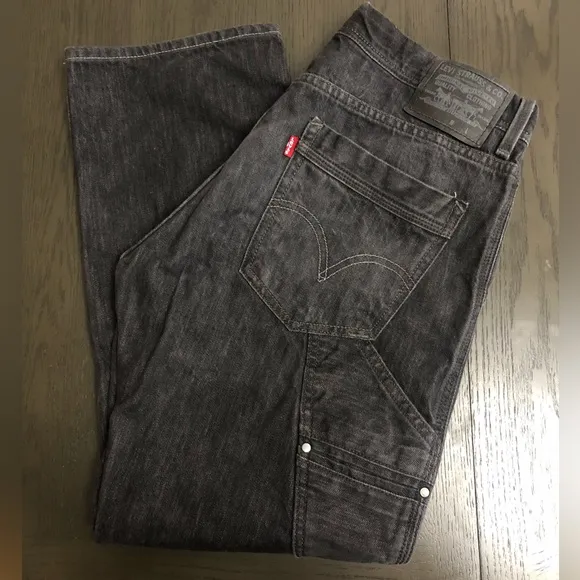
Levi’s 514 Slim Straight Black Jeans Size 36x30
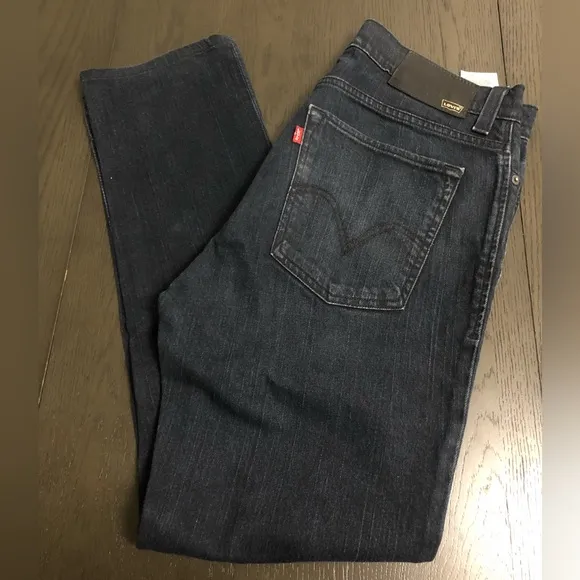
Levi Jeans 510 Dark Navy Skinny 36x32
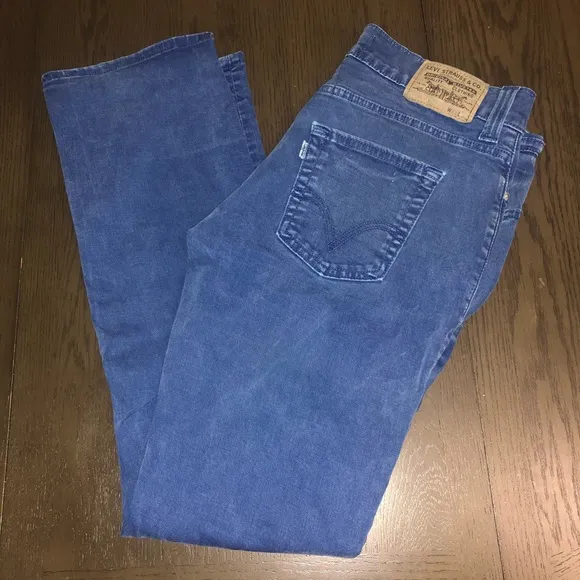
Levi’s Blue Jeans 511 Slim 36x32
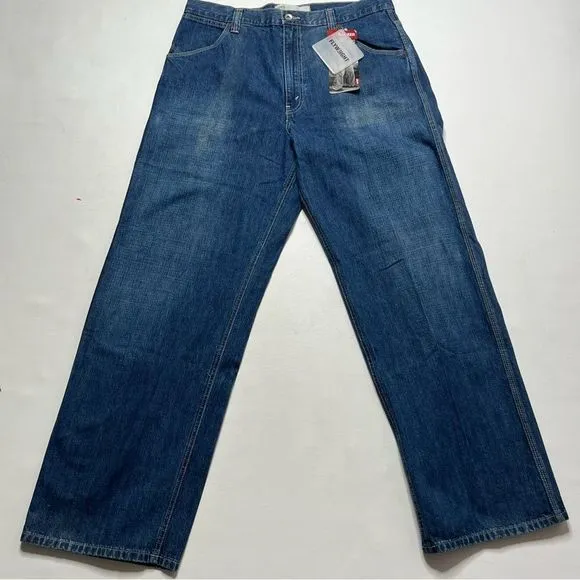
Levi’s | NWT Levi Worker Flyweight Loose Fit Straight Leg Jeans NWT
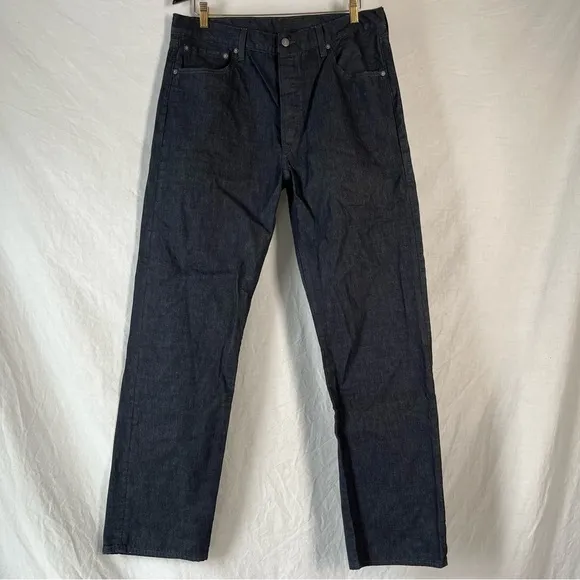
Levi’s 501 men’s 36 x 34 lightweight 100% cotton slate blue wash jeans
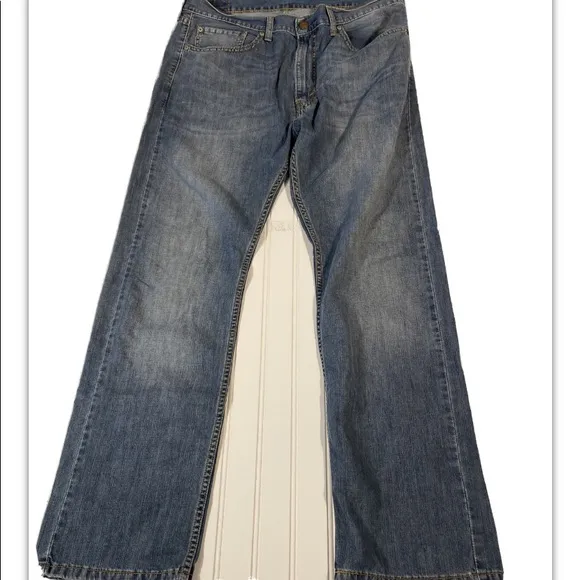
Levi’s Men’s 505 jeans 36/32
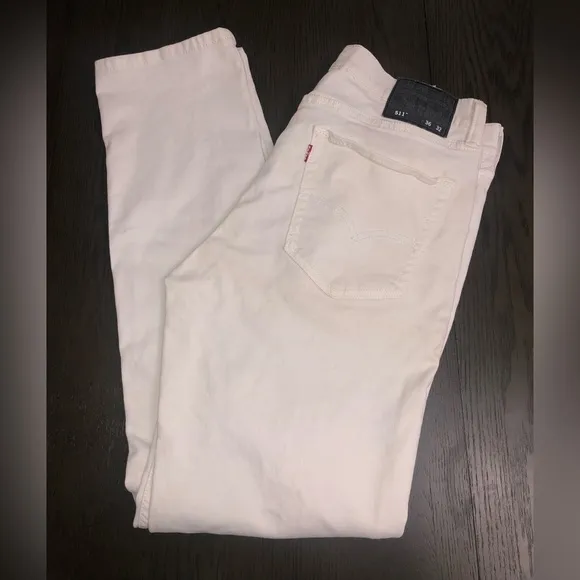
Levi’s 511 Skinny White Jeans Size 36x32
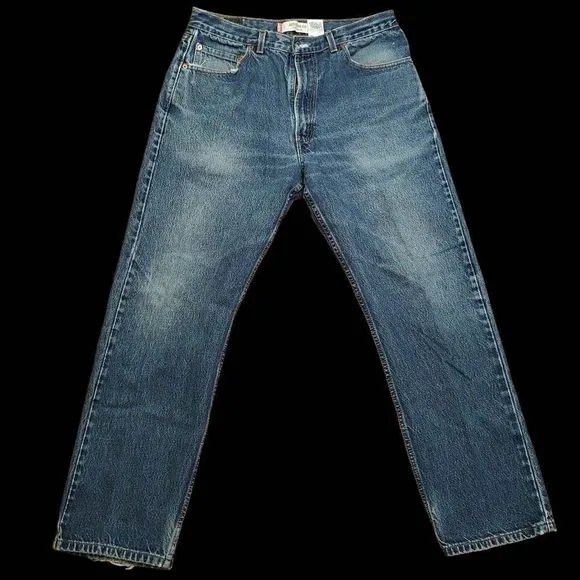
Levi's 505 Regular Fit Blue Jeans 36/30
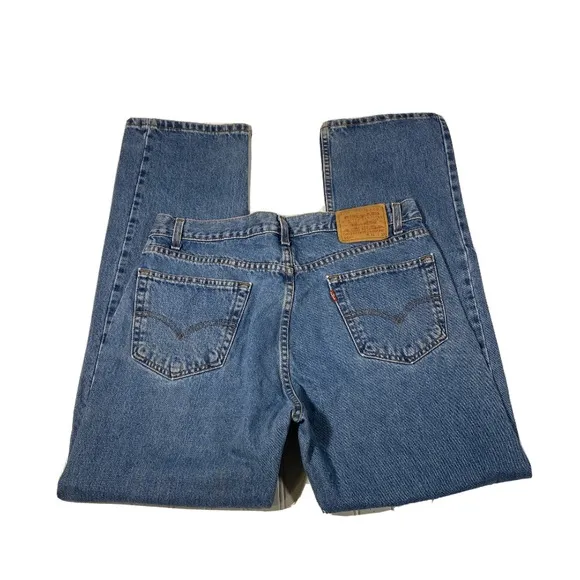
Levi’s 505 men’s jeans 36/32
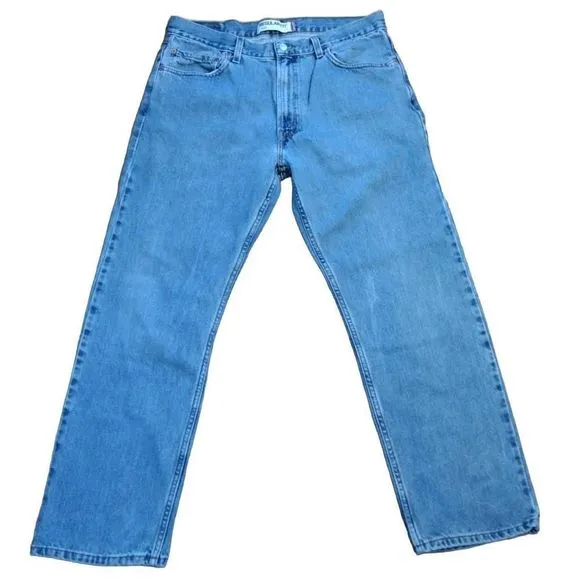
Levi's 505 Regular Fit Blue Jeans 36 x 30
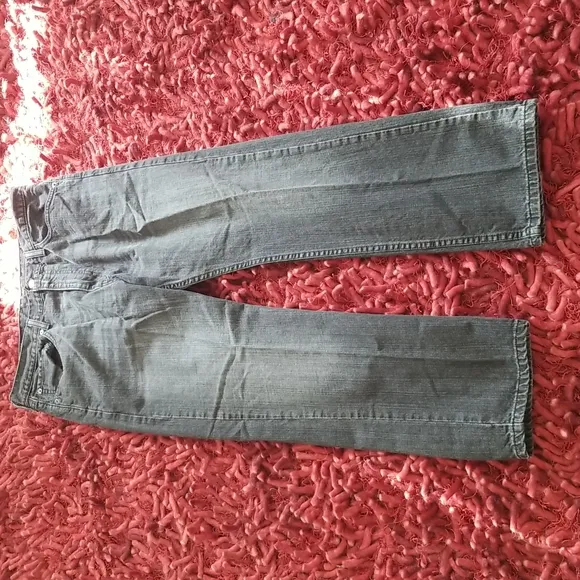
Men's 1990s 505 Levi's in Black size 36 X 30 Good Condition
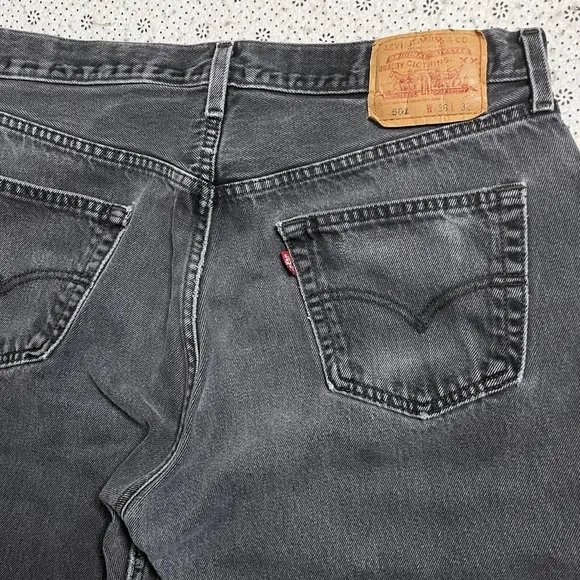
Levi 501 36x32 Jeans
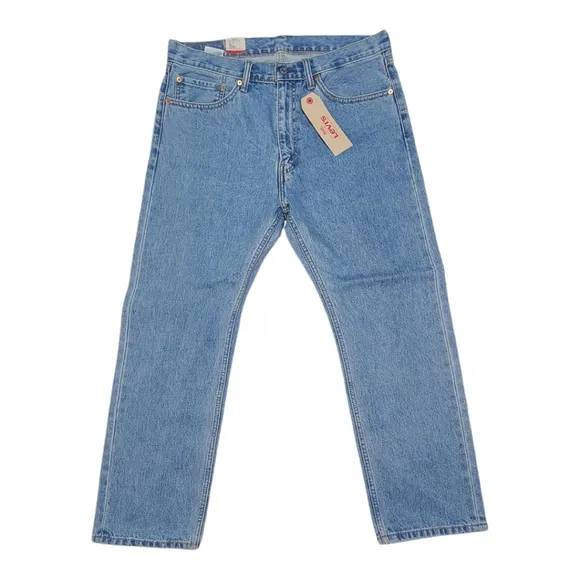
Levi's 505 Medium Wash Straight Leg Regular Fit Jeans NWT
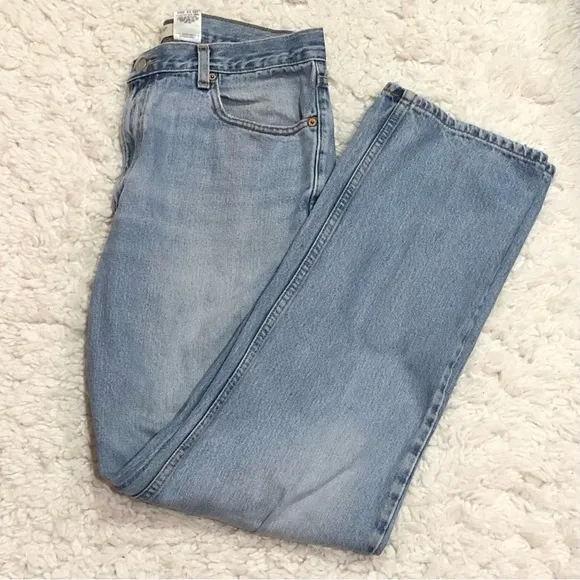
Levi’s 505 Classic Straight Leg Light Wash Jeans 36X34
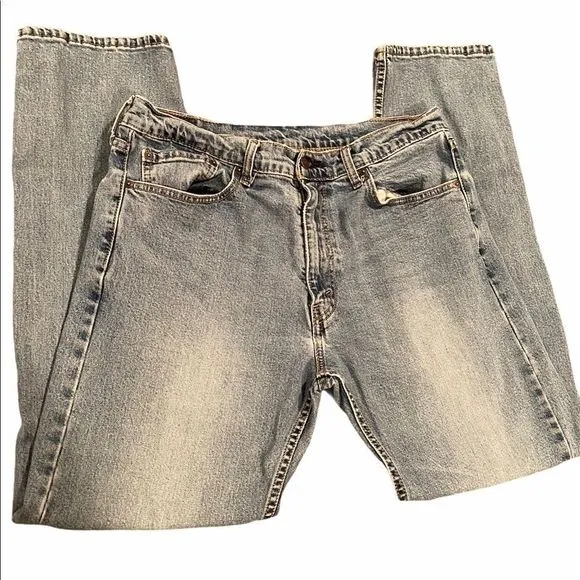
Levi’s Jeans Sz 36/32
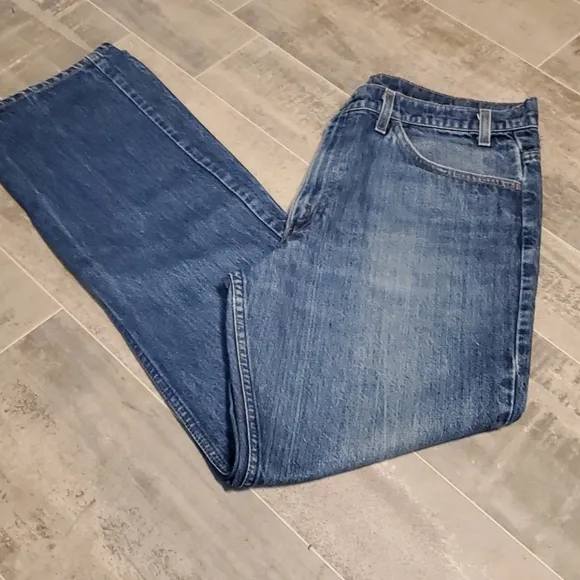
GUC Vtg Mens Levi Medium Blue Jeans
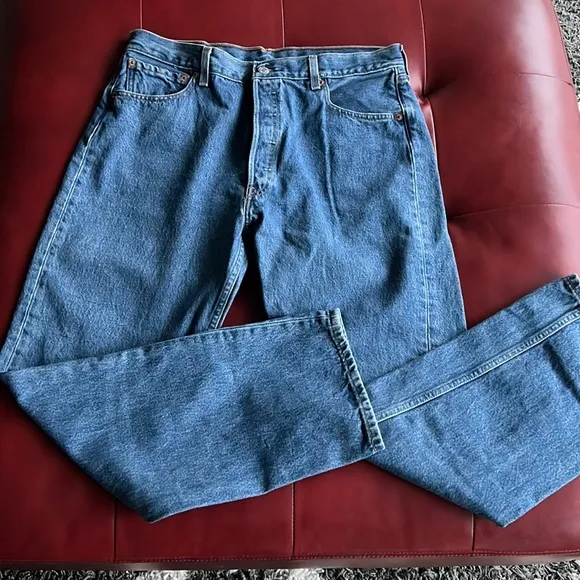
Levi’s 501 Jeans
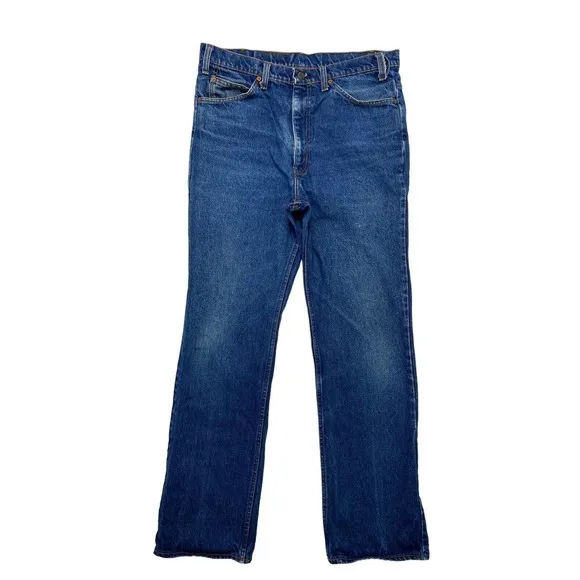
LEVIS Vintage Orange Tab Denim Blue Jeans 517 36 x 33 Mens #20517 0217
Levi's 511 36x30. Stretch. Brand new, no tags.